Requirements for a retail POS software that is also used in a retail store, cafes, with mobile app, and on all platforms:
User Interface: The software should have a user-friendly interface that is easy to navigate for users of all skill levels. It should be optimized for both touch screens and mouse inputs.
Compatibility: The software should be compatible with all major operating systems including Windows, macOS, iOS, and Android.
Mobile App: The software should have a mobile app version that allows users to access the software’s features and functionality from their mobile devices.
Sales Management: The software should allow users to manage sales transactions, including scanning and inputting of product information, payment processing, and order management.
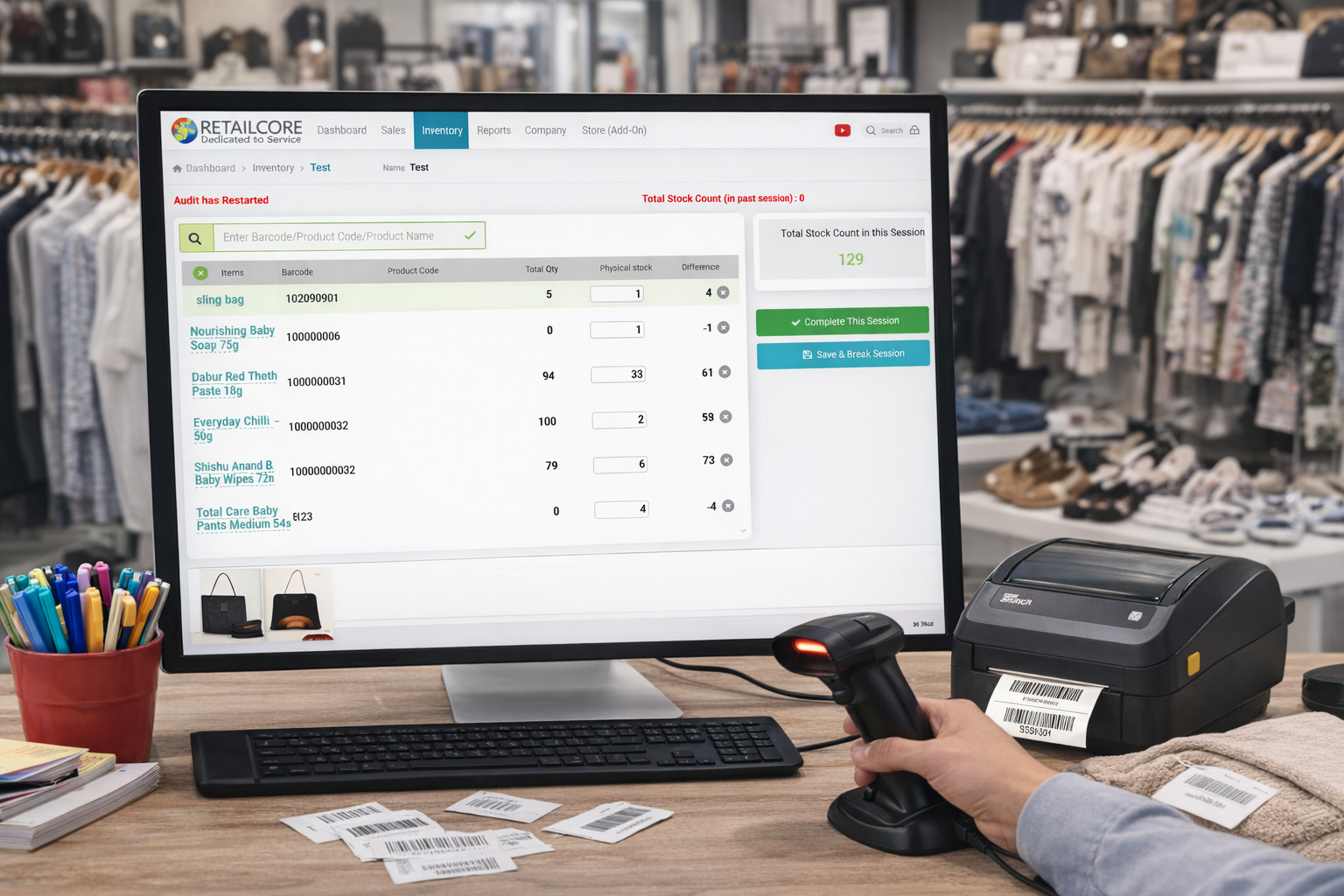
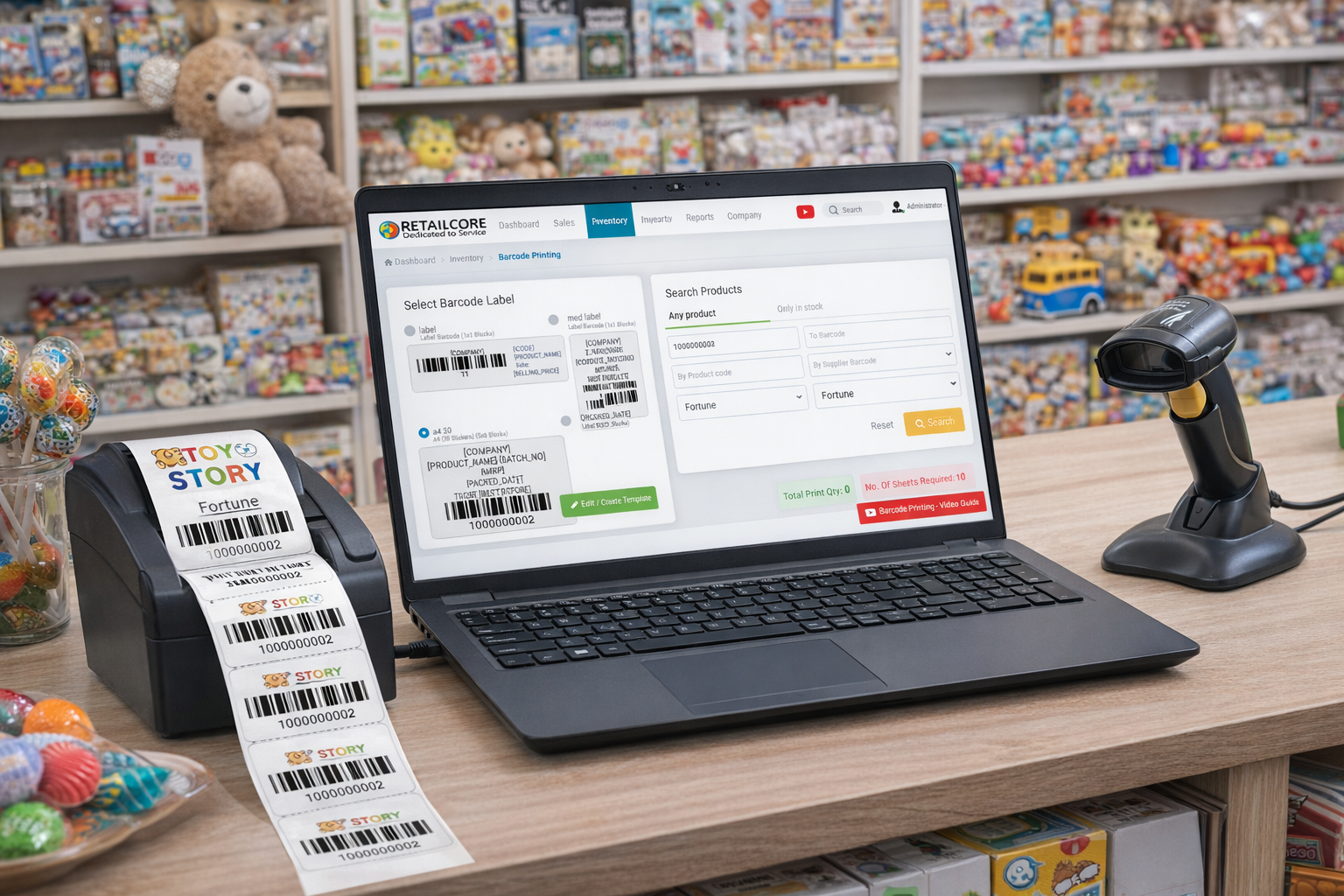
Inventory Management: The software should have features for inventory management such as stock tracking, product order management, and automatic restocking.
Reporting and Analytics: The software should be able to generate reports on sales, inventory, and customer data to help businesses make informed decisions.
Customer Management: The software should have customer management features, including customer data collection, order history, and customer loyalty programs.
Payment Processing: The software should be able to process a variety of payment types, including cash, credit cards, and mobile payments.
Security: The software should have security features such as user authentication, data encryption, and access controls.
Customization: The software should be customizable to meet the specific needs of individual businesses, including adding or removing features and modifying the user interface.
Integration: The software should be able to integrate with other business applications and services such as accounting software, marketing automation tools, and loyalty program providers.
Support: The software provider should offer technical support, training, and updates to ensure the software is up-to-date and functioning properly.
These are the basic requirements for a retail POS software that can also be used in a cafe, mobile app, and on all platforms. Additional features may be required depending on the specific needs of the business.