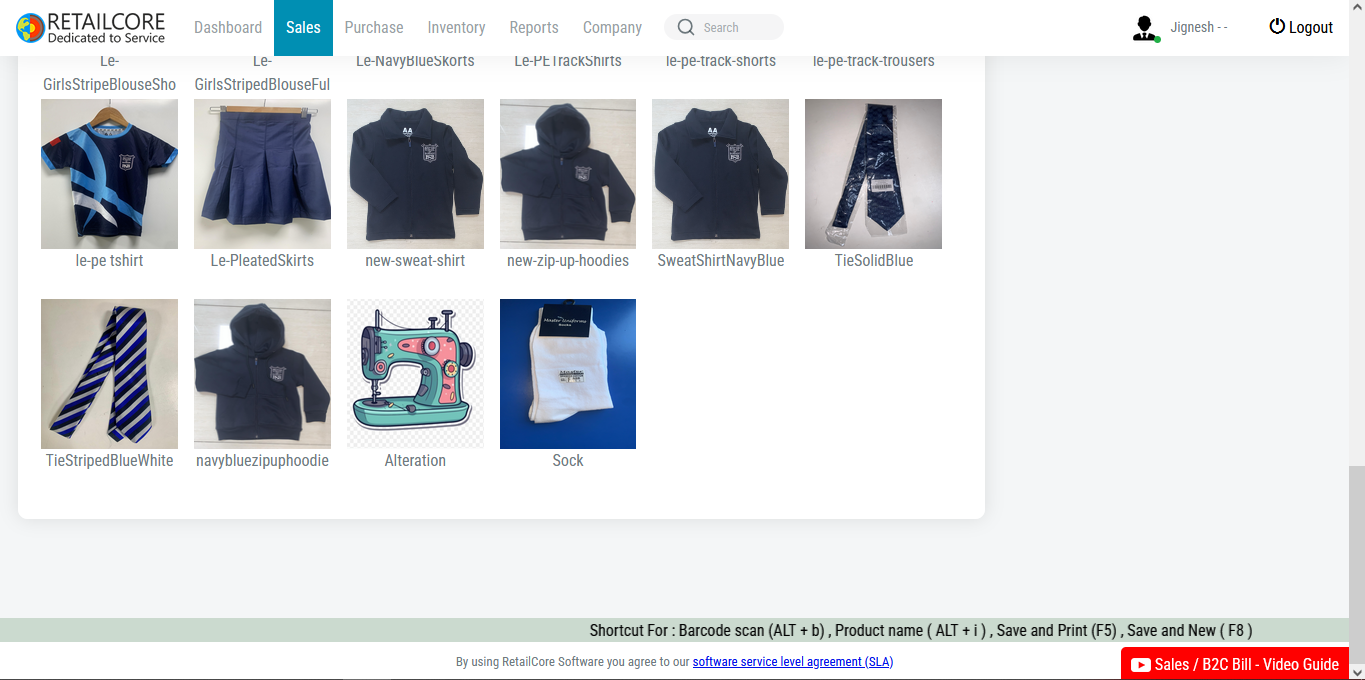
Implementing barcode software in your retail business can streamline operations, improve accuracy, and enhance efficiency. Here are steps to help you integrate barcode software effectively:
Assess Your Needs: Determine the specific requirements of your retail business and how barcode software can address them. Identify areas where barcode technology can improve efficiency, such as inventory management, sales tracking, and checkout processes.
Choose the Right Barcode Software: Research and select barcode software that aligns with your business needs and budget. Consider factors such as compatibility with your existing systems, ease of use, features (e.g., inventory tracking, sales reporting), and scalability.
Select Barcode Hardware: Invest in barcode scanners and printers that are compatible with your chosen software. Choose scanners that can read the types of barcodes commonly used in your industry (e.g., UPC, EAN) and printers capable of producing high-quality barcode labels.
Barcode Label Design: Design barcode labels that contain relevant product information, such as SKU, product name, price, and any other identifiers unique to your business. Ensure labels are legible and can be scanned accurately.
Barcode Implementation Plan: Develop a plan for implementing barcode technology in your retail business. Determine how barcodes will be generated, assigned to products, and integrated into your inventory management and point-of-sale systems.
Employee Training: Provide training to your staff on how to use barcode scanners, printers, and software effectively. Ensure they understand how to scan and print barcodes, update inventory records, and troubleshoot common issues.
Integration with Existing Systems: Integrate barcode software with your existing systems, such as inventory management, point-of-sale, and accounting software. Ensure seamless communication between systems to avoid data discrepancies and streamline operations.
Test and Validate: Conduct thorough testing of the barcode software and hardware to ensure they function correctly and meet your business requirements. Test barcode scanning, label printing, inventory updates, and sales transactions to identify any issues and address them promptly.
Rollout and Monitor: Gradually rollout barcode technology across your retail operations, starting with a small-scale implementation before expanding to larger areas. Monitor performance, gather feedback from employees, and make adjustments as needed to optimize efficiency and accuracy.
Continuous Improvement: Regularly review and optimize your barcode system to adapt to changing business needs, technology advancements, and customer expectations. Stay updated on industry trends and best practices to leverage barcode technology effectively in your retail business.
By following these steps and implementing barcode software effectively, you can streamline operations, improve accuracy, and enhance the overall efficiency of your retail business.